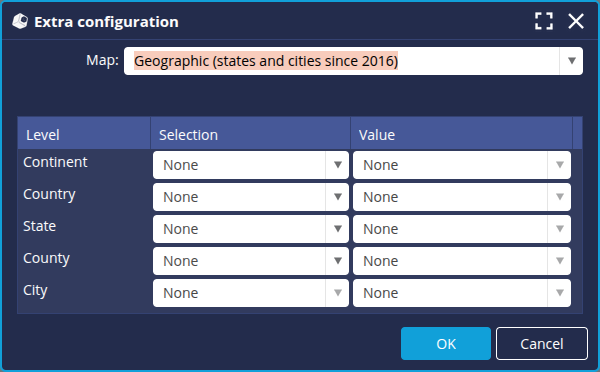
Regions of France before and after 2016
Last modified by Aurelie Bertrand on 2025/12/19 08:51
On 1 January 2016, a new administrative division came into force.
DigDash Enterprise is delivered by default with maps of the new French regions. This document describes the procedure for deploying maps representing the regions before or after this new division.
"Pack city" files contain an additional level of detail. Navigation down to city level will be possible with packs.
Installation
Installation is via DigDash Metadata Service
- From the Studio, go to the Managers tab and click on DigDash Metadata Service.
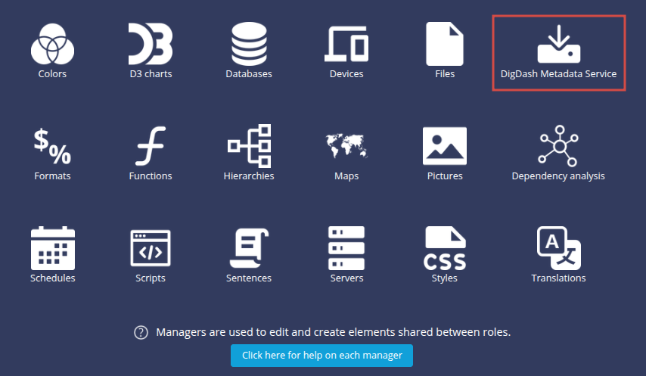
The DigDash Metadata Service window appears. - You can click the filter button at the top right of the window and check Map to display only maps.
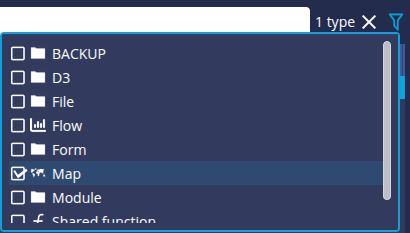
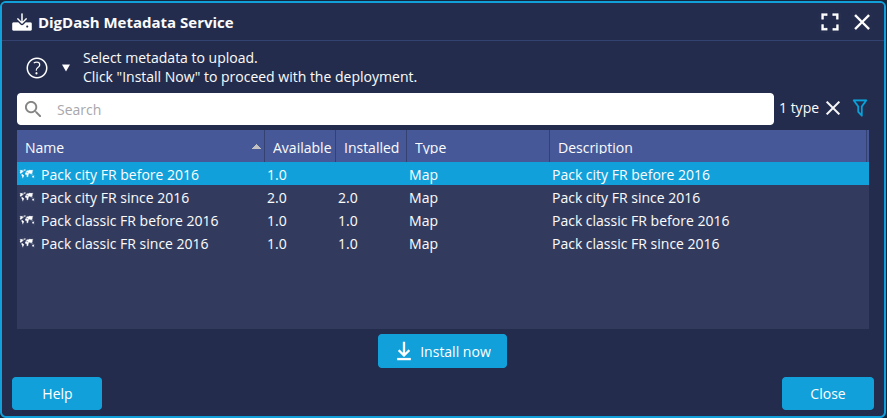
- Select the package of your choice and click the Install Now button.
- Restart the server and the Studio.
Checking deployment
You can check that the map pack has been deployed correctly.
- Add a data model containing a geographic dimension.
- In the Columns tab, select the dimension and check the geographical hierarchy selected.
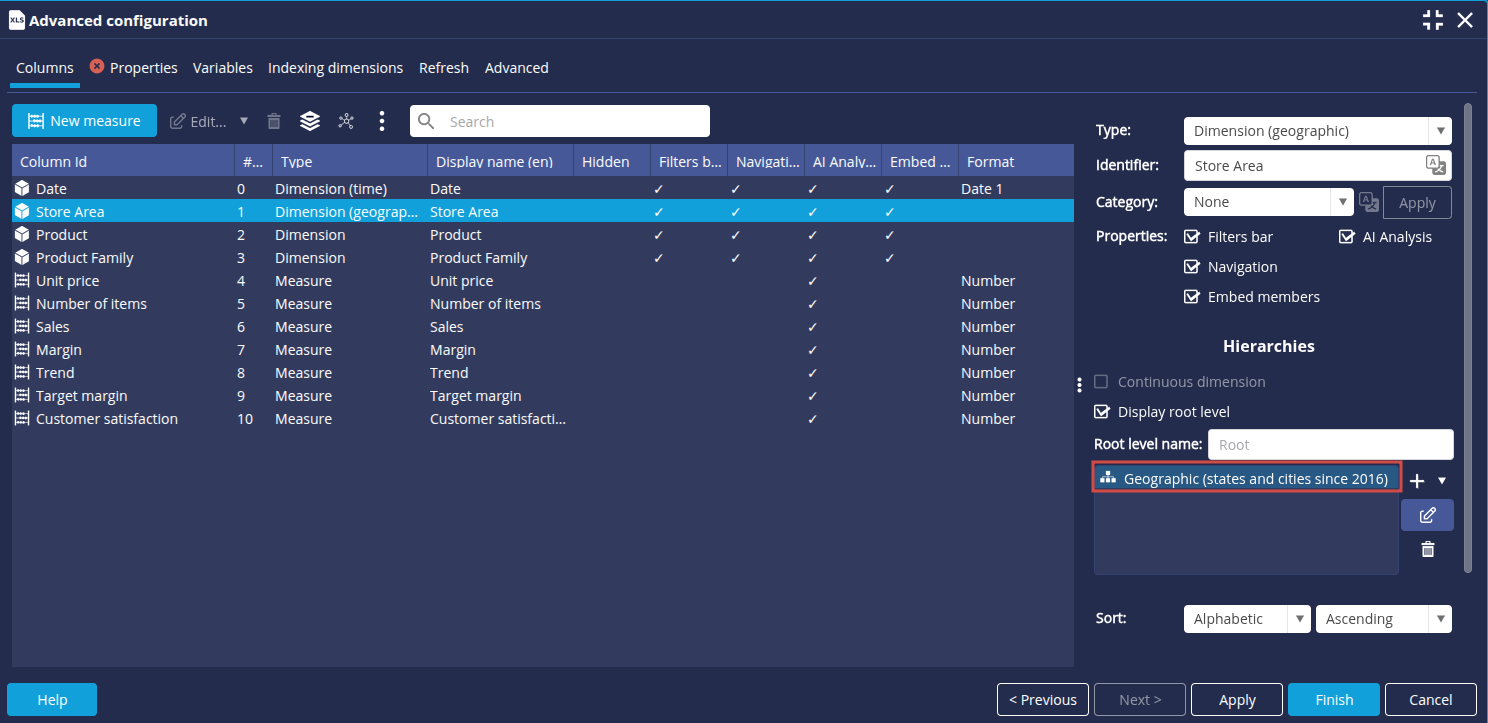
- Complete your data model.
- Create a new Map type Flow.
- In the toolbar, click on the Levels button to the right of the chart type to check that the map configuration is correct.