
Managing users, roles and authorisation groups
Last modified by Aurelie Bertrand on 2025/12/19 08:51
DigDash Enterprise allows you to create users and assign them roles and authorisation groups.
As a reminder, a role allows you to compartmentalise the different elements used in DigDash Enterprise - data models, flows and pages - and thus secure access to data. One or more roles can be assigned to each user.
The role generally corresponds to a corporate function: HR, Finance, Production.
Authorization groups can be used to define a set of 'rights' for each user and each of their roles, enabling them to use the functionalities.
To access the management of users, roles and authorization groups :
- On the DigDash Enterprise home page, click on the Configuration button and then User Management.
- In the Login box, enter the User and Password.
➡ The User Management window appears.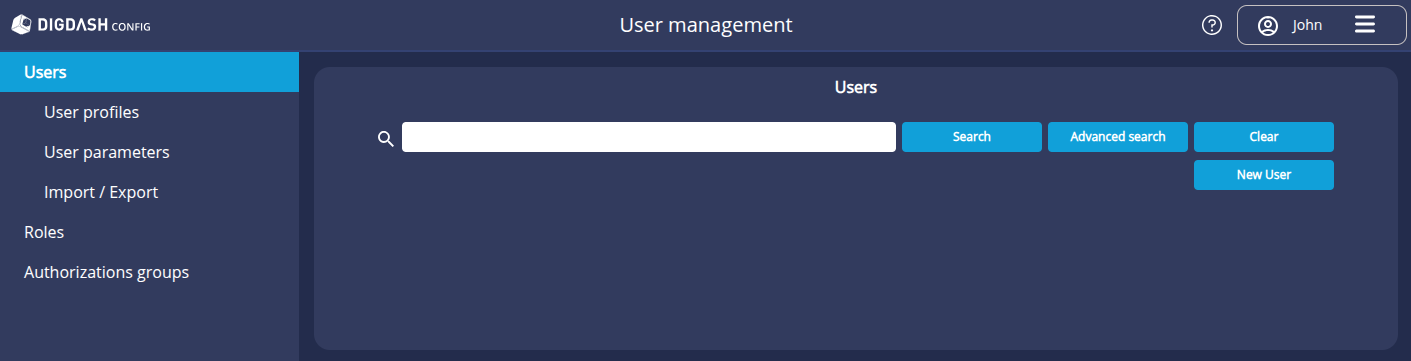
The tree structure on the left provides access to the management of users, roles and authorization groups.